



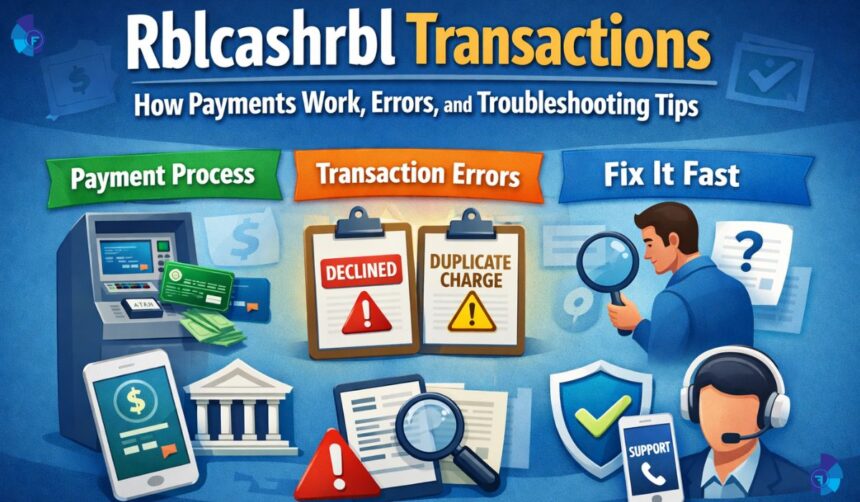
People usually notice Rblcashrbl when it shows up in a bank statement, a card app, or an SMS alert and it does not immediately match a store name they recognize. That moment can feel confusing, especially if the amount is large or the timing is unexpected. In most cases, this type of label is a transaction description that helps the banking system categorize or route a payment, cash activity, or reversal through a particular channel. The key is not to panic, but to slow down and verify what the entry actually represents before you assume it is fraud.
This guide explains how these transactions typically work, why the description can look strange, what common errors look like, and how to troubleshoot step by step. You will learn how to match the entry to your real activity, how to spot the difference between a pending authorization and a posted charge, and what to do if something truly does not belong to you. The goal is simple: help you feel confident reading your transaction history and fixing problems quickly, without guesswork.
What “Rblcashrbl” Usually Means on a Statement
When you see Rblcashrbl as a transaction label, it often points to a banking-side descriptor tied to cash-related processing or a specific payment rail rather than a merchant’s storefront name. Some banks and card systems shorten or compress text to fit limited statement space, so you may not see the full context that would normally clarify the transaction. It may show up for things like ATM cash withdrawal activity, cash transfer behavior, certain card-to-cash features, or back-end adjustments where the bank’s processing name becomes the visible description.
It also helps to know that descriptors can appear in different places depending on where you are viewing them. An SMS alert might show only a short code, while the mobile app might show an expanded detail view, and a monthly statement may display a slightly different string again. That means the same transaction could look inconsistent across screens, even though it is the same underlying event. Your job is to connect the entry to the date, amount, channel, and reference number so you can identify it confidently.
How These Transactions Move From “Initiated” to “Posted”
Most digital payments and card actions follow a two-step path: authorization and settlement. Authorization is when the system checks if the funds are available and places a temporary hold, while settlement is when the final amount is confirmed and posted. If you see Rblcashrbl as a pending item, it may represent an authorization hold that can later disappear, change, or convert into a final posted transaction. This is especially common with ATM activity, certain wallet interactions, or transactions that must be confirmed by the network.
Settlement timing varies. Some transactions post within minutes, while others take one to three business days, and a few can take longer if there is a dispute, a reversal, or a network issue. If the item is still pending, you usually cannot treat it as final, because banks can update it based on what the network sends later. Understanding this timeline helps you avoid reporting a problem too early when the system might correct itself naturally.
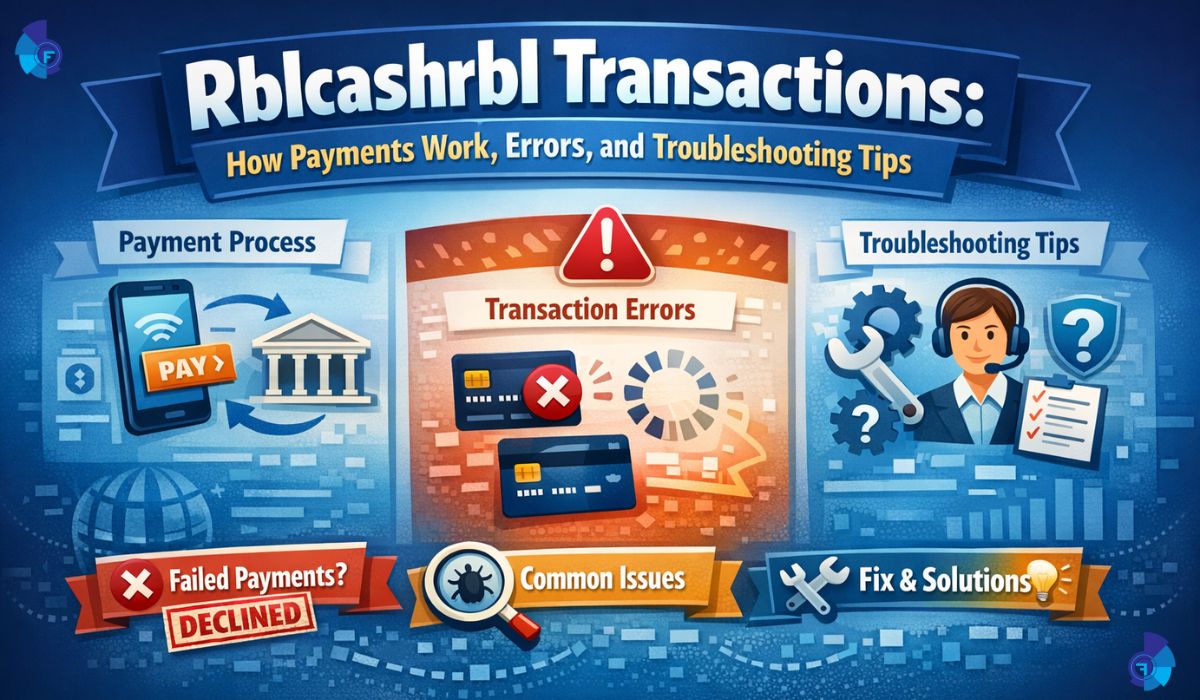
Common Payment Channels That Can Trigger the Label
A label like Rblcashrbl can be triggered by multiple channels, which is why two people can see it for different reasons. One common channel is ATM cash activity, where the bank’s processing name appears instead of the ATM operator’s brand. Another channel is card-based cash access or cash-like transactions, where the system classifies the action differently than a normal purchase. In addition, some transfers or adjustments can be routed through internal processing systems that display a standardized descriptor rather than a friendly merchant name.
The best way to narrow it down is to look for clues inside the transaction details. Many apps show a transaction type, a channel name, a partial reference number, or a location field. If you have multiple accounts or cards, confirm which one generated the entry. A surprising number of “mystery” statement items are simply transactions that happened on a secondary card, an add-on card, or a linked account that the account owner forgot about.
Why the Amount May Look “Wrong” at First
One of the biggest triggers for concern is when the amount does not match what you expected. With cash withdrawals, you might see additional charges such as network fees or cash-advance style fees depending on the card rules and the channel used. With certain payment flows, you might also see a temporary hold that is higher than the final posted amount, especially when a system is estimating total costs. This is not always an error, but it should always be checked.
Another reason amounts look unusual is split posting. A transaction can appear as multiple lines, such as a main amount plus a fee line, or a debit followed later by a credit reversal. If you only look at one entry without checking the next day’s activity, you can miss the balancing transaction that makes it make sense. The safest approach is to review a three-to-five-day window around the date and search for related debits or credits with similar timing.
The Most Common Errors People See
The most frequent issue is an authorization that does not complete properly. For example, an ATM withdrawal might fail, but the system still shows a temporary debit. In many cases, this corrects itself automatically through a reversal once the network confirms that cash was not dispensed. Another common issue is a duplicate appearance: one line is the pending authorization and the other is the posted settlement, which looks like two charges even though only one will remain after the pending item drops off.
People also report mismatched descriptions, where the statement text is too generic to identify the merchant or channel. That can happen when the bank only receives a truncated descriptor or when the display system has limited character space. While it is frustrating, it does not automatically mean the transaction is suspicious. The solution is usually to pull the expanded details in the app or request a statement view that includes the reference number and transaction type.
How to Verify a Transaction Without Guessing
Start with the basics: match the date, time, and amount to your real-world activity. Check whether you used an ATM, transferred money, loaded funds, or attempted any payment that day. Then check your messages and app notifications, because banks often send an alert at the time the transaction was initiated, and that alert can contain a hint about the channel. If your bank app has a “transaction details” screen, open it and look for reference IDs or categories that are not shown on the main list.
Next, compare it with your account balance behavior. If the balance dropped and never returned, it is more likely a posted transaction. If the balance dropped temporarily but is now back, it may have been a hold that reversed. This difference matters because disputes usually work differently for posted transactions than for holds. If the descriptor still worries you, write down the exact text, the amount, and the timestamp before you contact support so you can communicate clearly and avoid repeating steps.
Pending vs Posted: Why It Changes What You Should Do
If Rblcashrbl is pending, your best first step is often to wait a short period while monitoring for updates, because pending items can resolve on their own. Reporting every pending item immediately can create unnecessary cases and confusion. However, if the pending amount is large, the transaction is clearly not yours, or it is blocking important funds, you should contact the bank sooner. Banks can sometimes release holds faster when there is clear evidence of failure, such as an ATM error receipt or a “declined” confirmation in the app.
If the transaction is posted, treat it as final and move into verification and dispute mode if it does not match your activity. Posted items usually have stronger tracking fields in bank systems, which helps support teams locate them faster. The most helpful thing you can do is provide the reference number and confirm whether it was card-present, online, ATM, or transfer-based, because each path uses different investigation steps.
Troubleshooting Steps for “I Don’t Recognize This Transaction”
If you do not recognize the entry, first check whether someone in your household or team has authorized access, such as an add-on card user. Then check subscription renewals or scheduled payments that might have processed under a generic descriptor. After that, review recent failed attempts. A transaction can succeed later even if your first attempt looked like it failed, especially when networks are slow or when an app times out after you confirm payment.
If none of that explains it, treat it as potentially unauthorized. Immediately secure your account by changing your app password, enabling two-factor authentication if available, and confirming that your phone number and email are correct on the profile. Then contact the bank or card issuer through the official support channel in your app or the number on the back of your card. When you explain the issue, describe it as an “unrecognized posted transaction” or an “unrecognized pending authorization,” and share the exact descriptor text including Rblcashrbl so they can locate it quickly.
Troubleshooting Failed Cash Withdrawals and Reversals
ATM-related problems often come down to one question: did you receive cash? If you did not receive cash but you see a debit, keep any receipts or on-screen error photos if you have them, and note the ATM location and time. Many banks can verify ATM logs and network confirmation to process a reversal. Even when you do not have a receipt, the transaction reference and timing can help them confirm a “no cash dispensed” event.
If you received partial cash, the process is similar, but the adjustment can take longer because the network must reconcile the discrepancy. During this time, you may see multiple lines: an initial debit, a correction credit, or a final settled amount. The important thing is to track the net impact on your balance rather than reacting to each line in isolation. If the issue does not correct within the usual banking timeframe, escalate with the reference number and request an investigation for cash withdrawal discrepancy.
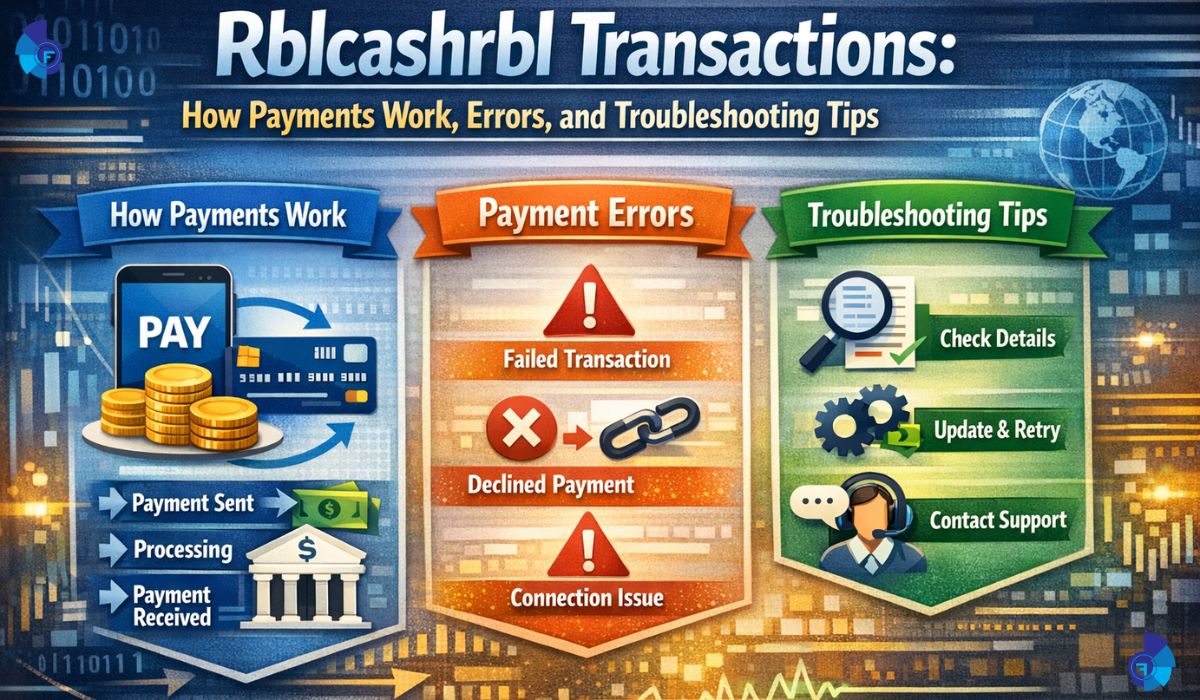
Why Some Transactions Get Declined Yet Still Appear
A decline can still leave a footprint in your activity list because the system records attempted authorizations. Usually, these attempts should not post, but they can appear temporarily until the system clears them. This can happen when a network times out, when your bank blocks the transaction for security, or when a merchant system sends an incomplete response. If the attempt stays pending longer than expected, it can feel like money is “stuck,” but it is often just a hold that has not been released yet.
If you see repeated declines tied to the same descriptor or channel, that is a sign to pause and troubleshoot deeper. Confirm you have sufficient available balance, check spending limits, and verify whether your card is enabled for the type of transaction being attempted. In some cases, banks treat cash-like transactions differently from purchases, and that difference can create unexpected declines even when your card works fine for normal shopping.
Preventing Problems: Simple Habits That Reduce Confusion
The most effective prevention is keeping clean records. Turn on transaction alerts for your accounts, because real-time alerts make it easier to match activity to a specific moment and avoid end-of-month confusion. If you use multiple payment apps, store a note of what each app calls itself on a statement, because descriptors do not always match brand names. This habit is especially useful when you travel, because different networks and ATMs can produce different descriptor formats.
It also helps to reduce risk by using strong account security and limiting where you use your card or account credentials. Avoid sharing one-time passcodes, and be cautious with calls or messages that pressure you to act quickly. If you ever suspect your details were exposed, act early by securing your account and contacting your bank. Quick action reduces both financial loss and the time it takes to resolve disputes.
Final Thoughts / Conclusion
Seeing Rblcashrbl in your transaction history can look unusual, but it is often just a processing label tied to how a payment, cash activity, or adjustment moved through the banking system. The smartest approach is to identify whether the transaction is pending or posted, match it to your real activity, and use the details view to find reference numbers and channel information. Many “errors” resolve naturally through reversals or pending hold releases, while true unauthorized activity requires immediate security steps and a formal dispute.
If you take away one idea, let it be this: treat every unfamiliar descriptor as a signal to verify, not a reason to panic. With careful checking and clear communication to your bank when needed, you can quickly separate normal processing behavior from real issues and keep your money and accounts safe.
Frequently Asked Questions (FAQs)
1. What is Rblcashrbl on my bank statement?
Rblcashrbl is typically a short transaction description that appears when a payment, cash-related activity, or an adjustment is processed through a banking channel that uses a standardized label. Because statement space is limited, the text can look unclear, so the best step is to open the transaction details and check the date, amount, type, and reference number.
2. Is Rblcashrbl always related to cash withdrawal?
Not always. While it can be associated with cash activity in many cases, it may also appear for transfers, reversals, or transactions that the bank classifies as cash-like processing. The exact meaning depends on your account, the channel used, and how the bank formats descriptors in your region.
3. Why does the transaction show as pending for a long time?
Pending transactions are usually authorization holds that have not yet settled or been released. Delays can happen due to weekends, network confirmations, ATM or merchant response issues, or security checks. If the pending item remains beyond the normal timeframe and blocks important funds, contact your bank and share the transaction details.
4. What should I do if I did not make the transaction?
First, check if anyone authorized on your account could have made it, then review your recent payment attempts and subscriptions. If you still cannot match it to your activity, secure your account by changing passwords and enabling extra verification, and then contact your bank to report an unrecognized transaction so they can investigate or start a dispute.
5. Can a declined transaction still appear in my activity list?
Yes. Some systems record attempted authorizations even when they are declined, and these can appear temporarily. They usually do not post as a final charge, but you should monitor the account to confirm it clears and does not turn into a posted transaction.
6. How do I confirm whether I was charged twice?
Look for one entry that is pending and another that is posted for the same amount, because pending items can look like duplicates until they drop off. Also check for a reversal credit that offsets a debit. The clearest method is to compare your balance impact over several days and review the final posted statement.
7. How long do reversals take after an ATM error?
It depends on the bank and network, but reversals often occur after the system confirms that cash was not dispensed or that a mismatch occurred. If you have the ATM location and time, it can speed up investigation. If the balance does not correct within the usual banking window, contact support with the transaction reference and request a cash withdrawal dispute review.
For More: fogmagazine.co.uk